Mobile app
The requests and approvals app, for employees and approvers
An Android and iOS app built with Flutter, on the same server as the web. It shows each person what concerns them, and the server decides, exactly as on the web.



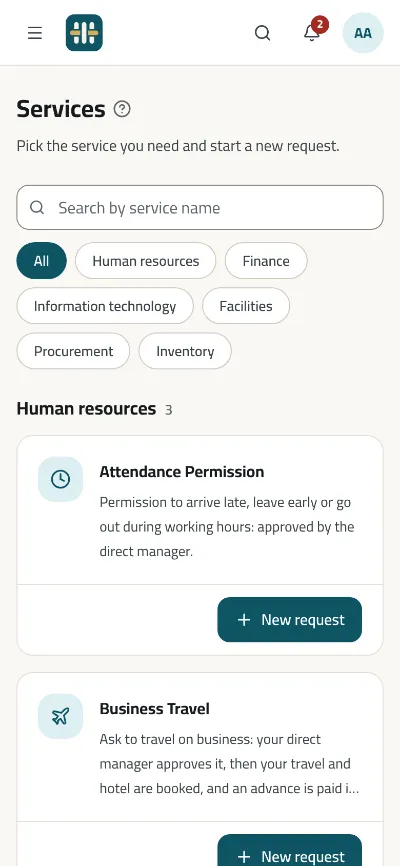
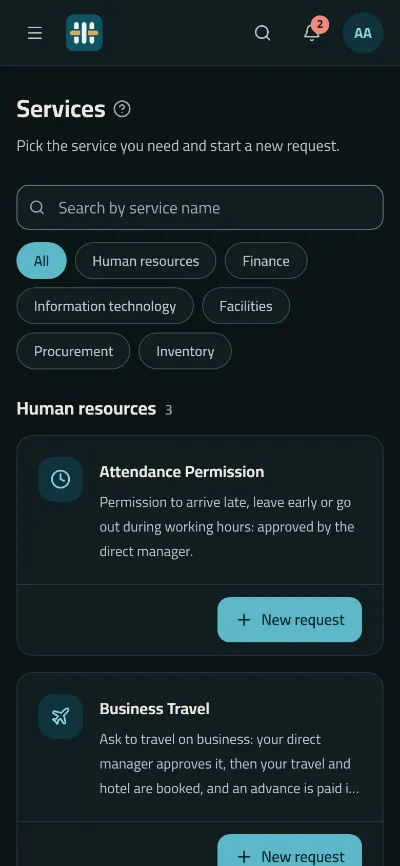
For employees
- Sign-in with an email, a mobile number or a username
- The catalogue by category, with a search that understands Arabic spelling
- Forms drawn from the same definition and rules as the web
- Fields the system fills and values a form starts with, even offline
- A finished request copied as a new one
- Drafts saved and finished later; requests withdrawn, or corrected and sent again
- A request for a colleague, where the service allows it
- Files, photos from the camera and pictures from the gallery
- Notifications that open the request they are about
- A “?” that opens a field's explanation
For approvers and managers
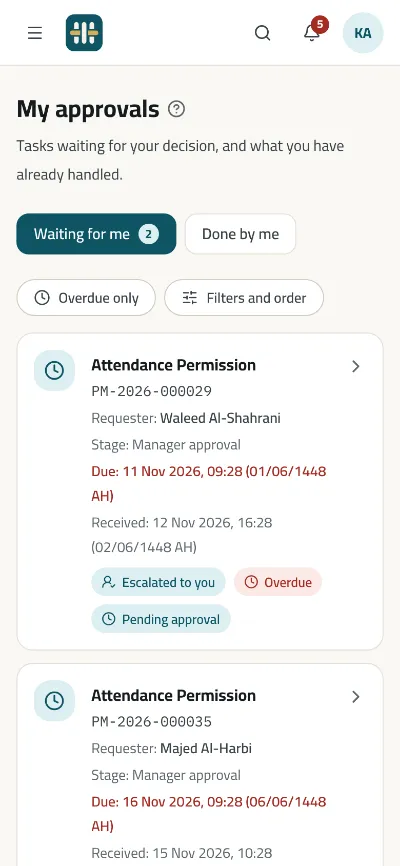
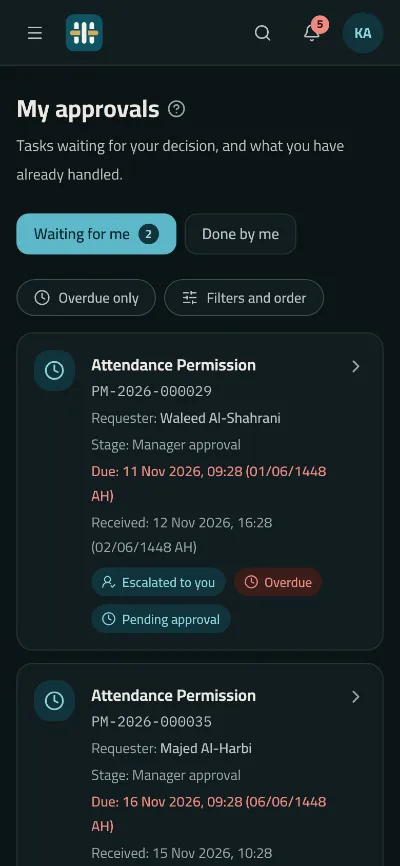
- My Approvals, soonest first, with the late ones marked
- My Approvals narrowed and ordered, with the day each task arrived
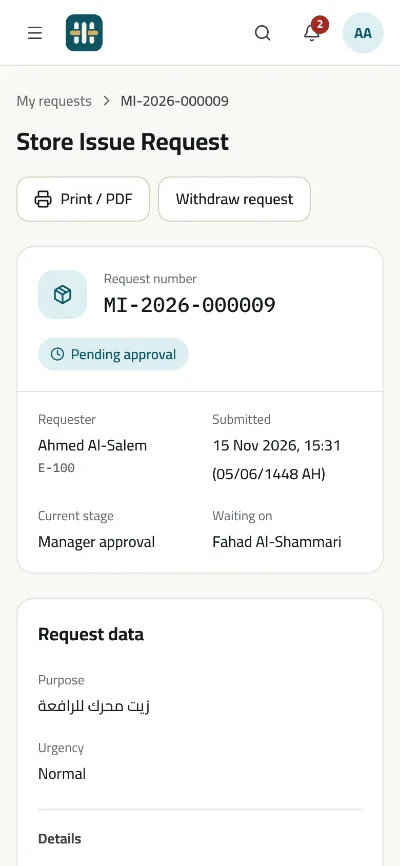
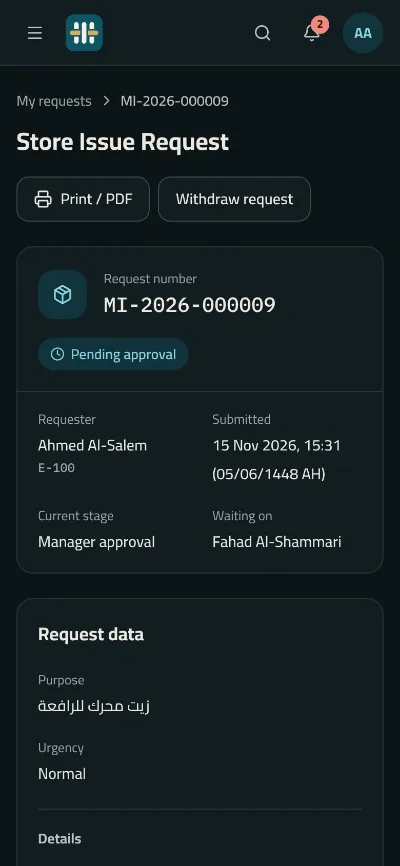
- The decision after the request's data, and an approval held five seconds with Undo
- Approve, return or reject, with the reason and the fields the stage asks for
- Files attached with the decision
- Several tasks approved at once, where the service allows it
- A task passed to a colleague, where the stage allows it
- Delegations given and received
- A manager's summary: the last 7, 30 or 90 days
- My team's requests, with filters made for a phone
- A request's AI summary, when the organisation switches it on
Made for organisations' phones
- An app lock with the phone's fingerprint, face or passcode, which the organisation can require
- Request screens kept out of screenshots and the app switcher: a confidential request's always, every request's when the organisation says so
- Sign-in tokens in the phone's secure storage, and nothing in its backups
- Single sign-on through the phone's own browser, and the authenticator set up in the app
When the network drops
- A new request is kept on the phone, sealed, and sent when the network returns, never twice
- The last catalogue and forms opened stay usable offline, and the app says so
- Signing out works offline too
Connected to your server
On first use the app asks for your organisation's address, checks that it can work with it, and shows your name and logo before anyone signs in. The web's own addresses for requests, tasks and notifications open the app on the hosts its build names.
Under your name
A store build takes its application id, the name under the icon, the icons and its addresses from one file, so the app can carry your organisation's name.
See Minwal with services like your own
We will show you the product on services like yours, and answer the questions of your HR, IT and security teams.
Request a demo