Purchase requisitions
Purchase requisition and approval workflow software
A purchase requisition in Minwal carries its items, their estimated prices and the quotations, and goes through only the approvals its amount calls for: the manager, finance above one threshold, senior management above a higher one, and on to procurement.
When a requisition gets stuck between desks
A paper or emailed purchase requisition passes several signatures, each with its own desk, mood and diary. The person who asked does not know where it is held up, finance does not know whether the manager approved it, and procurement receives requests with missing items or no cost centre, so the emails start again.
In Minwal a purchase requisition becomes a service with clear rules: the form cannot be sent without a purpose, a cost centre and items; the total is worked out from quantities and prices; the workflow chooses its stages from the amount, on conditions you set; and every decision stays in the request's history with who made it and when.
Everyone gains: the requester follows the request as it moves, on the web or the phone; the approver decides with the items and the quotations in front of them; finance see what was approved against each cost centre in one report that exports to Excel; and the auditor finds a complete record that needs no rebuilding from emails.
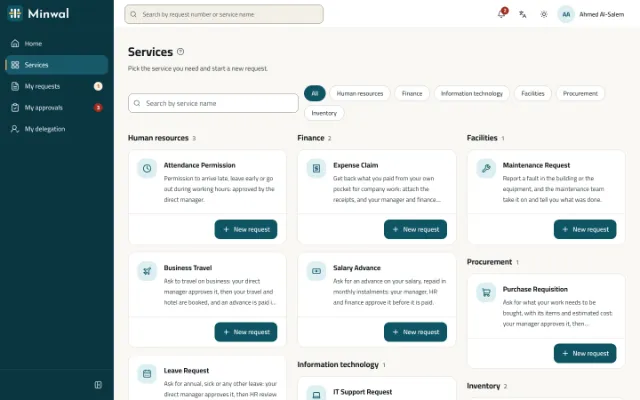
The request's path in the ready template
The template's thresholds are plain numbers in the workflow's conditions, there to be changed to your organisation's limits of authority.
The employee writes the request
The purpose, the date it is needed by and the cost centre; a table of items with description, unit, quantity and estimated price; a suggested supplier and quotations if there are any. The requesting department is filled in by the system.
The direct manager approves
The manager sees the items and the estimated total before deciding, and approves, rejects or returns the request for correction with a written reason.
Finance, then senior management, by amount
Above an estimated total of 5,000 the request goes through finance, and above 50,000 senior management is added. Below that it goes straight to be carried out.
Procurement carry it out
The procurement team record the purchase order number, the supplier and their note in a section that opens only at their stage; then the request closes and its owner is told.
What the form asks
- The purpose of the purchase, and the date it is needed by.
- The cost centre, from a list you keep or import from Excel.
- A table of items: description, unit, quantity, estimated unit price, and each line's total worked out.
- The request's estimated total, worked out on its own and steering the approval path.
- A suggested supplier, and the quotation files.
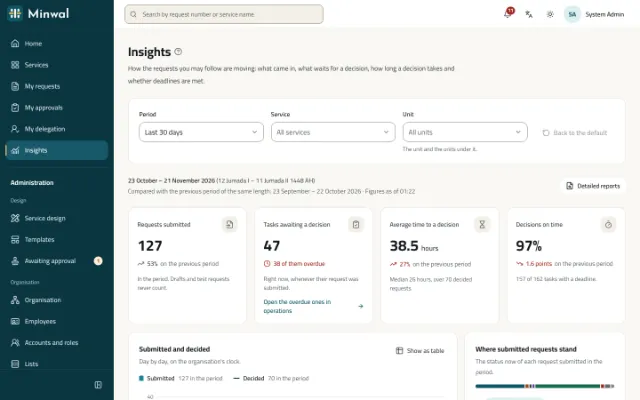

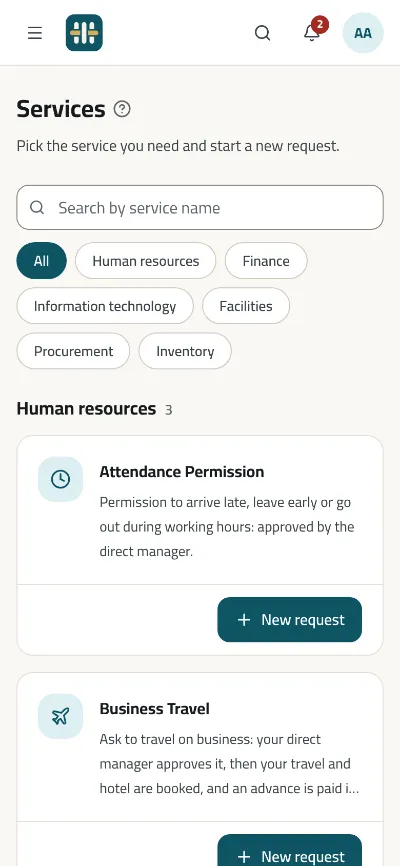
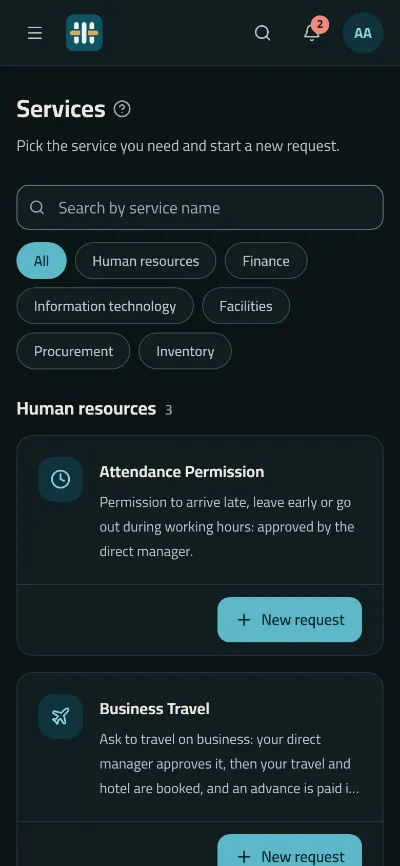
What requesters, approvers and procurement gain
Approvals in proportion to the amount
Routing conditions are written in a safe rule language the server evaluates, so a small request never reaches senior management and a large one never slips past it.
Quotations from anyone along the path
The requester attaches the quotations, an approver adds a supplier comparison at their stage, and the requester and the people deciding are told. Every file is scanned before it is kept, and never edited.
Return for correction instead of rejecting
An approver returns the request with a reason; the requester corrects it and sends it again, and it goes back to the first stage or to the one that returned it, as you choose for the service.
Procurement see what is theirs
The procurement team find their approved requests in My Approvals, sorted by deadline, with the late ones standing out.
Connected to your ERP
Every change to a request sends a signed webhook to your system, and an automated stage can wait for another system's answer before the request goes on.
Questions about this solution
Can we change the approval thresholds?
Yes. The template's thresholds (5,000 for finance and 50,000 for senior management) are numbers in the workflow's conditions. Change them in the workflow designer and try the effect in the workflow simulator before you publish the new version.
Does Minwal issue purchase orders?
No. Minwal runs the request and its approval, and the procurement team record the purchase order number your system issues. Your system can learn of an approved request through a signed webhook or the API.
Must every request have a cost centre?
In the ready template, yes, chosen from the list of cost centres. The server refuses any value that is not on the list, and the field can be made optional or removed.
Can a committee of several people approve?
Yes. A stage can ask for the approval of any one, all, or a set number of a group's members, such as a purchasing committee.
Other solutions
All solutionsLeave and attendance permission requests
Leave and attendance permission requests from the web or the phone, approved by the direct manager and reviewed by HR, with a clear deadline at every stage.
Expense claim and salary advance approvals
Expense claims with their receipts, and salary advances with their instalments, approved by the manager, then HR and finance side by side before payment.
Store issue and asset custody requests
A store issue request with its items and quantities, and an asset custody request handed over with the asset number and a signed form, each with a clear approval path.
IT support and maintenance request system
IT fault reports and access requests, and maintenance requests for the building and equipment, straight to the right team with a deadline, an urgency and photos.
Employee self-service for government
Employee self-service in Arabic first, with Hijri dates, on the organisation's own servers even without internet access, with Active Directory and a hash-chained audit trail.
Show us your purchasing policy
We will build the purchase requisition workflow with your thresholds and show it on data like yours.
Request a demo