IT support and maintenance
IT support and maintenance request system
An employee reports a fault with their device or asks for access to a system, or reports a fault in the building or the equipment, and the report goes straight to the IT support team or the maintenance team, with a known deadline, and they hear what was done.
The report that gets lost in the corridor
Many faults are reported by a phone call or a word in the corridor and leave no trace: the employee does not know whether the report was logged, the head of IT does not know how many came in this month or how many were late, and the facilities manager does not know where the same fault keeps coming back.
In Minwal a report becomes a request with a number, a path and a deadline. The employee chooses the kind of problem and who is affected and attaches photos, and the request goes straight to the right group. Only what needs permission passes the manager, such as access to a system, so fixing faults stays fast and access stays controlled.
Over time the reports become figures to run the service by: how many arrive each month, how long they take, what share is handled on time and which units ask most, so you know where another technician is needed, and which equipment fails often enough to replace.
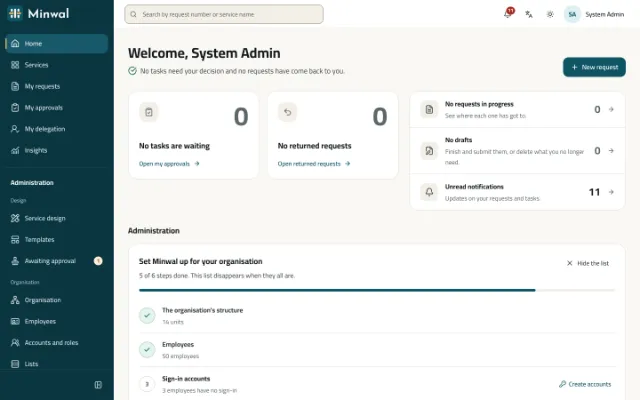
The request's path in the ready template
The two templates' paths as they come; each stage has its deadline, reminders and escalation.
The employee reports
For IT: the category, who is affected, a short title, a description, the device number, the location and screenshots. For maintenance: the kind of work, the urgency, the location, the equipment, a description and photos.
The manager, for access requests only
If the request is for access to a system, the direct manager approves it first. Anything else goes to the team at once.
The right team handle it
An IT request reaches the support team with eight working hours to act, and a maintenance request reaches the maintenance team with a working day. Minwal reminds them, then tells the operators if they are late.
The employee hears what was done
The team record the outcome and what was done, and for maintenance the cost of parts and the completion date; then the request closes and its owner is told.
What the form asks
- For IT: the category (hardware, software, network, email or account, printer, access to a system, or other).
- Who is affected: only me, my team, or the whole organisation.
- For maintenance: the kind of work (electrical, plumbing, air conditioning, carpentry and furniture, equipment, cleaning, or other) and the urgency: normal, urgent or a safety hazard.
- The location, the device or equipment number, a description, and photos from the camera.
- The team's section: the outcome (fixed, replaced, passed to the vendor, no fault found) and what was done.
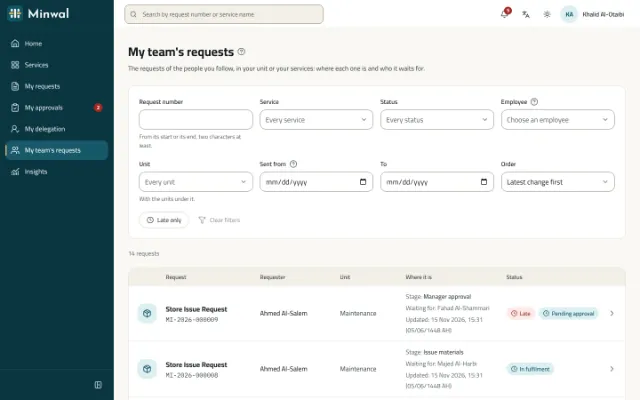
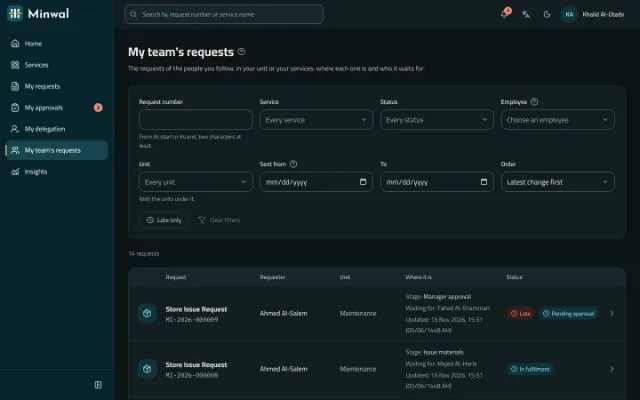
What the support and maintenance teams gain
One inbox for the team
The task reaches every member of the group and one of them takes it on, or passes it to a colleague with a reason where the stage allows it.
Late work stands out
My Approvals is sorted by deadline with the late tasks marked, and escalation tells the operators when a delay goes on.
A home for the administrator
The administrator's home lists stopped and late requests with their counts and links, and a stopped request leads straight to its stage.
Figures to run the service
Insights show requests submitted and waiting, the time to decide and the share handled on time, by service and unit, against the previous period.
Connected to your tools
Every change sends a signed webhook to your ticketing or monitoring system, and your systems read requests from the API.
Questions about this solution
Does Minwal replace a dedicated service desk?
Minwal runs fault reports and access requests with their workflows, deadlines and reports, which is enough for many organisations. It has no knowledge base or IT asset management; if you run a system for those, connect it to Minwal through webhooks and the API.
Can deadlines depend on the urgency?
Yes. Route urgent reports and safety hazards to a stage with a shorter deadline, with a condition on the urgency field, in the workflow designer.
Can an employee attach a photo of the fault from their phone?
Yes. File fields take photos from the camera in the mobile app, and every file is scanned before it is kept.
Who decides who is on the IT support team?
The administrator, by adding people to the group the template creates when it is installed. While the group is empty the first-day checklist says so, and any request that reaches it stops in Exception rather than getting lost.
Other solutions
All solutionsLeave and attendance permission requests
Leave and attendance permission requests from the web or the phone, approved by the direct manager and reviewed by HR, with a clear deadline at every stage.
Purchase requisition approval software
A purchase requisition with its items, estimated cost and cost centre, approved by the manager, then finance and senior management by amount, and carried out by procurement.
Expense claim and salary advance approvals
Expense claims with their receipts, and salary advances with their instalments, approved by the manager, then HR and finance side by side before payment.
Store issue and asset custody requests
A store issue request with its items and quantities, and an asset custody request handed over with the asset number and a signed form, each with a clear approval path.
Employee self-service for government
Employee self-service in Arabic first, with Hijri dates, on the organisation's own servers even without internet access, with Active Directory and a hash-chained audit trail.
Make every report a request with a number and a deadline
We will show you the IT support and maintenance templates, and the dashboard your managers follow the service with.
Request a demo