Leave and attendance
Leave request and attendance permission system
An employee asks for leave or for permission to arrive late or leave early in a minute. The request reaches their direct manager and then HR at once, and everyone sees where it is and whose decision it waits for. No paper forms, no lost emails.
Why leave requests get stuck
In many organisations a leave request is still a sheet of paper signed and carried by hand, or an email to a manager that nobody knows was read. The employee asks about it again and again, HR collects the forms at the end of the month to record balances, and when the manager travels every request from their team waits until they are back.
Minwal makes leave and attendance permission two services in your employee self-service catalogue: a clear form filled in on the web or in the mobile app, an approval workflow that knows who decides and by when, and a full record kept for audit. Your organisation starts from two ready templates and adapts them to its own policy without code.
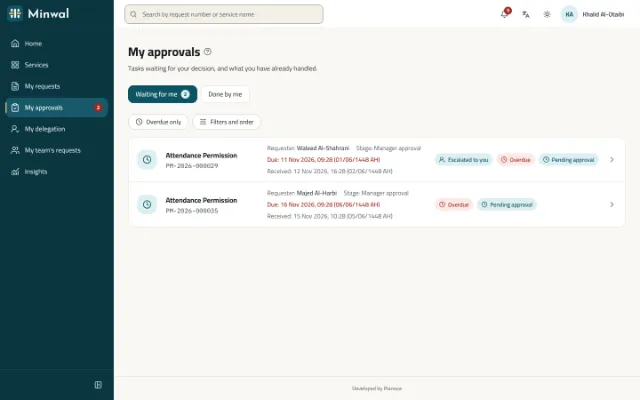
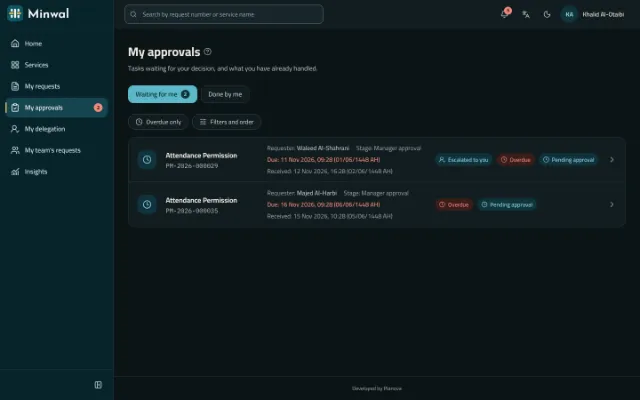
The request's path in the ready template
This is what the two templates come with. Every stage can be changed after installing: a stage added, a condition, another deadline.
The employee submits
They choose the kind of leave and its first and last day, and the number of days is worked out for them. Their name, employee number and department are filled in by the system, never typed.
The direct manager approves
The request reaches the manager recorded in the organisation chart, with a deadline in working hours. Minwal reminds them when it passes, and brings in the manager above if the delay goes on.
HR review it
HR officers review the request and record the balance before the leave and their note, in a section of the form that opens only at their stage.
The employee hears the decision
The outcome reaches them in the app, by email and as a push notification, in their own language, and the approved request prints as a PDF with a verification code.
What the form asks
- The kind of leave: annual, sick, emergency, unpaid, marriage, bereavement, maternity, paternity, Hajj, examinations or other.
- The first and last day, and the number of days worked out from them.
- Who covers the work meanwhile, and a contact number that starts as the employee's own mobile.
- The reason, and supporting documents such as a medical report.
- For an attendance permission: late arrival, early leave or going out during the day, with the day, the times and the reason.
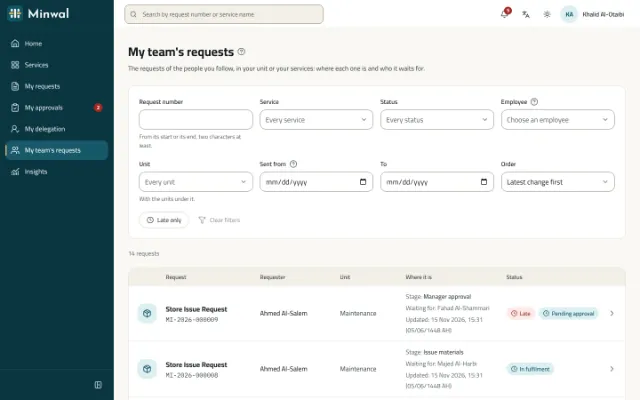
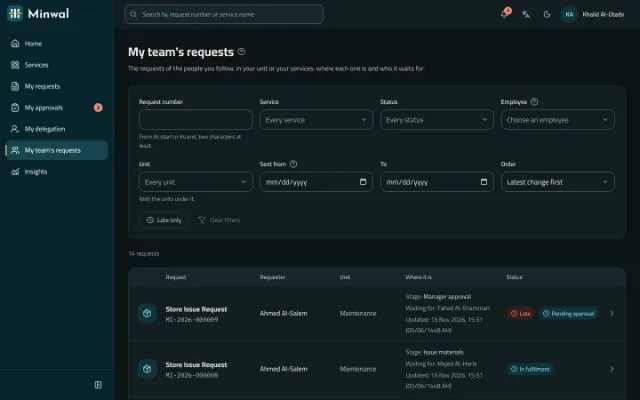
What employees, managers and HR gain
Attendance permission in one approval
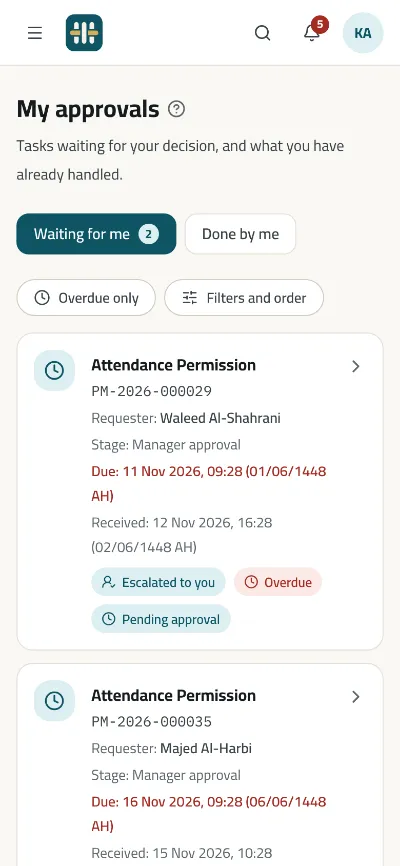
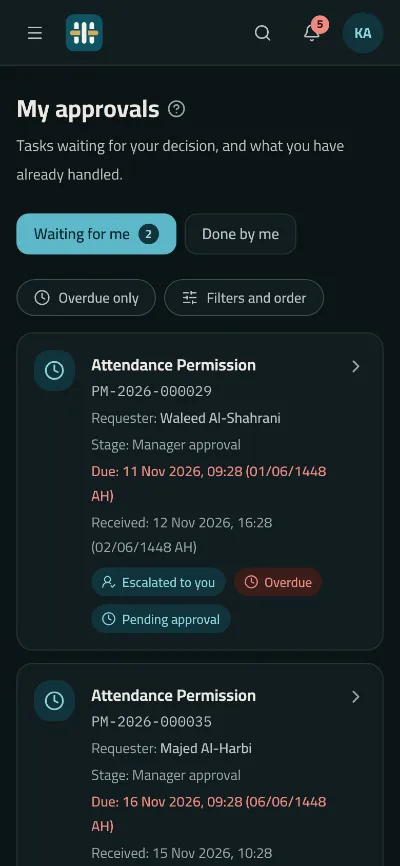
An attendance permission goes to the direct manager alone, with eight working hours to decide, because its value is in its speed. Where the service allows it, a manager approves several at once, each still checked on its own.
An absent manager stops nothing
A manager names a colleague to stand in while they are away, for every service or only some. If nobody can approve, the request stops in Exception and the operators are told; no stage is skipped silently.
Deadlines on your business calendar
Deadlines count your working days, hours and holidays, Ramadan hours included, on your organisation's clock, with the Hijri date beside the Gregorian one if you ask for it.
The whole picture for management
Insights show requests submitted, waiting and late, and the average time to decide; leave reports with the form's data export to Excel.
From the phone, without haste
A manager approves from the Android and iOS app after reading the request's data, and can take an approval back within five seconds after a slip of the finger.
Questions about this solution
Does Minwal calculate leave balances automatically?
Minwal does not keep leave balances itself. In the ready template, the HR officer records the balance before the leave during their review. Your HR system can be told of every request through signed webhooks, or read requests from Minwal's API with a scoped key.
Can we change the kinds of leave and the approval stages?
Yes. The form and the workflow are configuration in the service designer: add a kind or a field, or a stage for the head of department on long leave with a condition on the number of days, then publish a new version. Requests in progress stay on the version they were submitted under.
Can an employee with no email address ask for leave?
Yes. They sign in with a username or their mobile number and a password the administrator gives them, on the web or in the mobile app, and their notifications reach them in Minwal instead of by email.
Can a manager submit a request for someone on their team?
Yes, where the service and their access allow it. The form and the workflow are worked out from the record of the employee the request is for, not the person who sent it.
Other solutions
All solutionsPurchase requisition approval software
A purchase requisition with its items, estimated cost and cost centre, approved by the manager, then finance and senior management by amount, and carried out by procurement.
Expense claim and salary advance approvals
Expense claims with their receipts, and salary advances with their instalments, approved by the manager, then HR and finance side by side before payment.
Store issue and asset custody requests
A store issue request with its items and quantities, and an asset custody request handed over with the asset number and a signed form, each with a clear approval path.
IT support and maintenance request system
IT fault reports and access requests, and maintenance requests for the building and equipment, straight to the right team with a deadline, an urgency and photos.
Employee self-service for government
Employee self-service in Arabic first, with Hijri dates, on the organisation's own servers even without internet access, with Active Directory and a hash-chained audit trail.
Watch a leave request go through Minwal from start to finish
We will show you both templates on a structure like your organisation's, and answer your HR team's questions.
Request a demo